
The guides
Learn Backstage in an evening.
A short page for every feature, with real screenshots from the live demo and numbered pins that show you where to tap. Read it online, or take the PDF to your next rehearsal.
Rather click around? Try the live demo
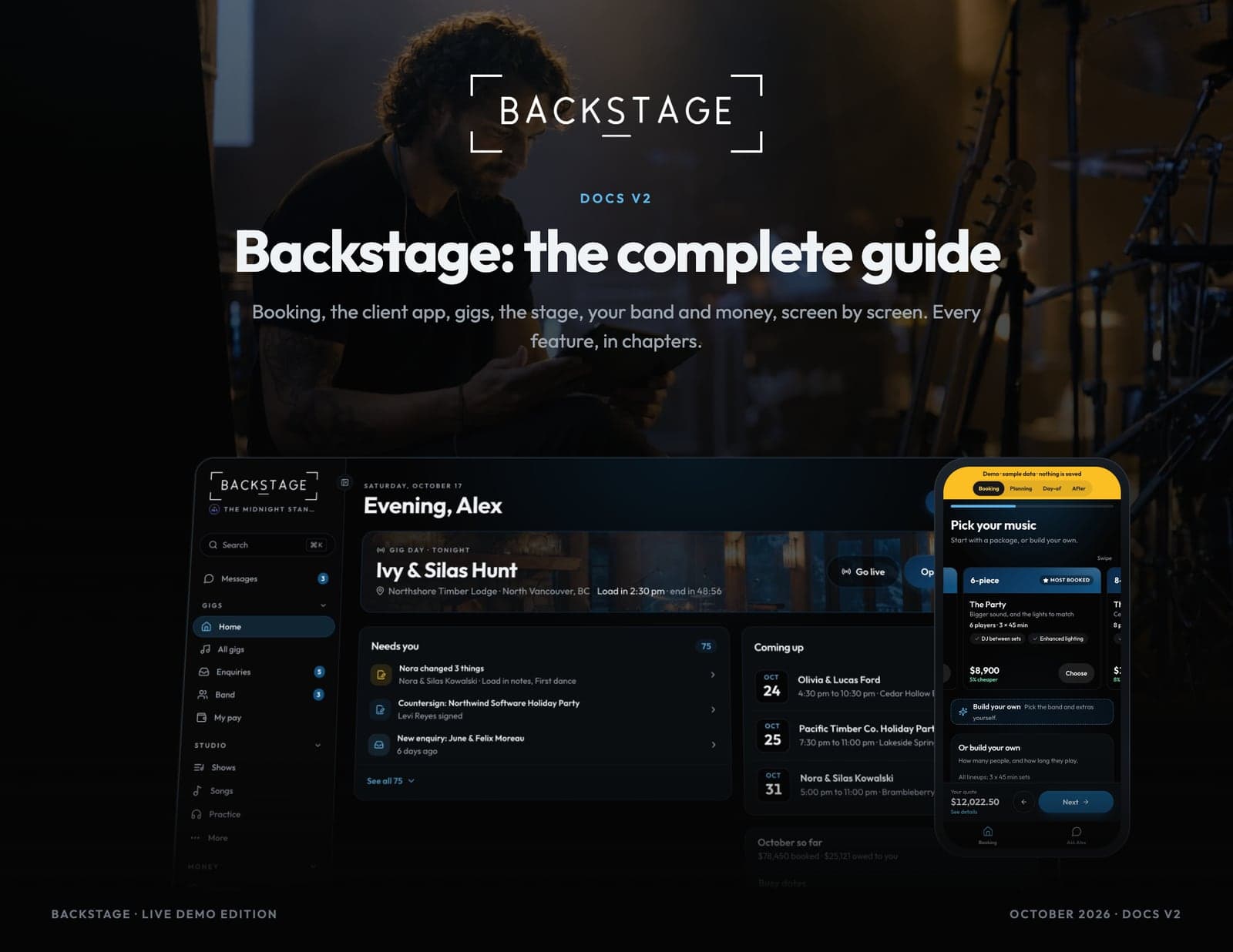
More guides
Your clients, DJs, the road and your roster.
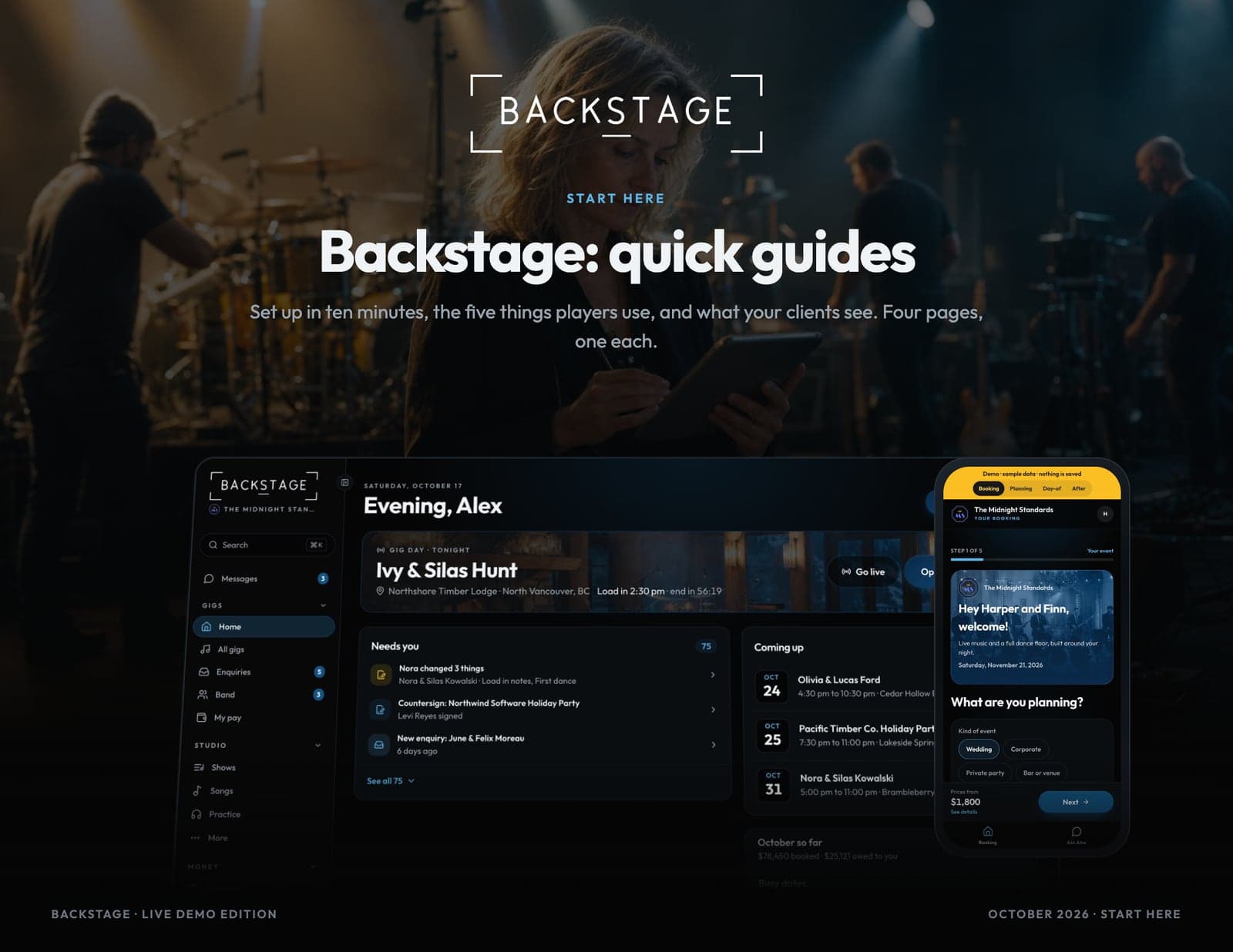
Start here
Backstage: quick guides
Set up in ten minutes, the five things players use, and what your clients see. Four pages, one each.
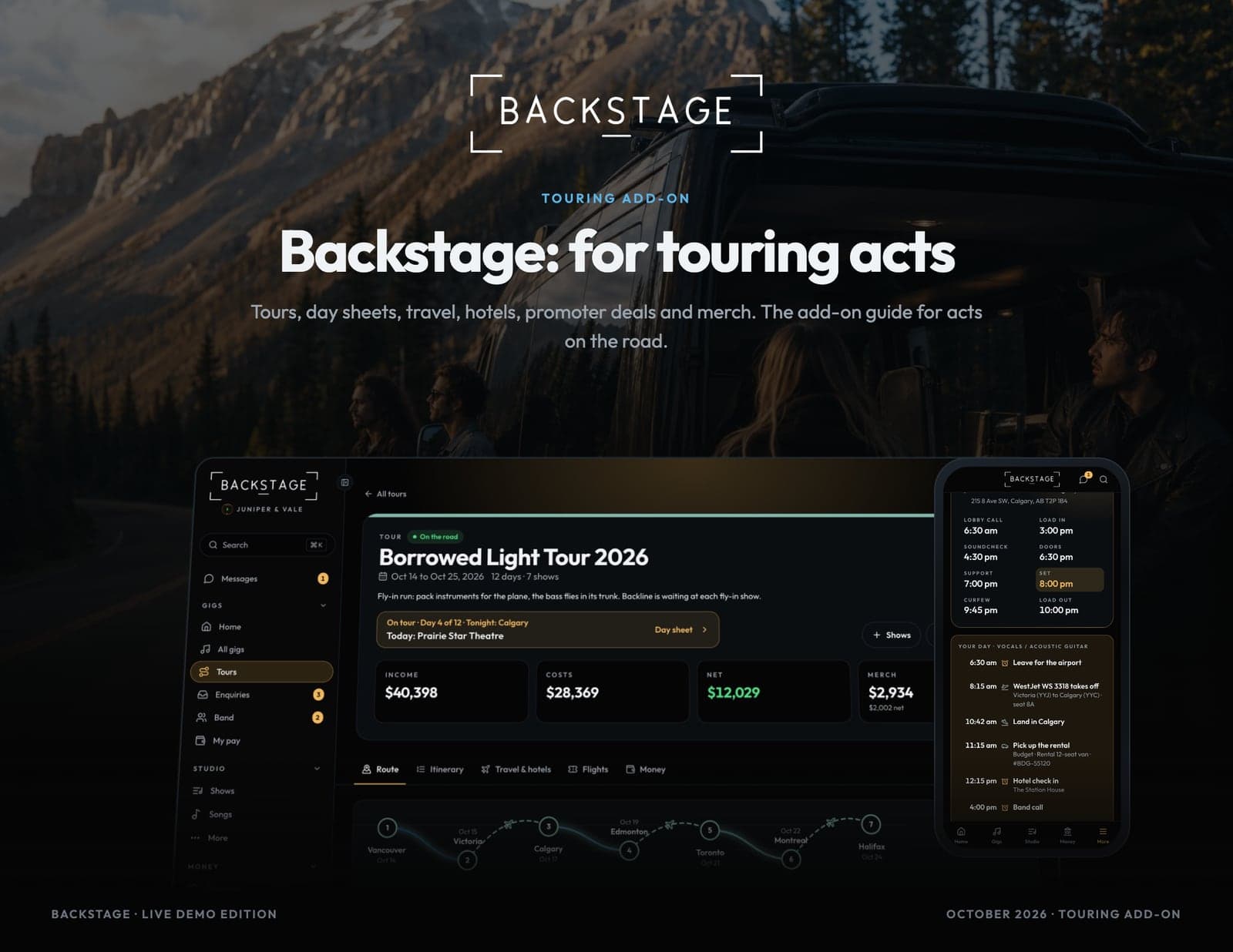
Touring add-on
Backstage: for touring acts
Tours, day sheets, travel, hotels, promoter deals and merch. The add-on guide for acts on the road.
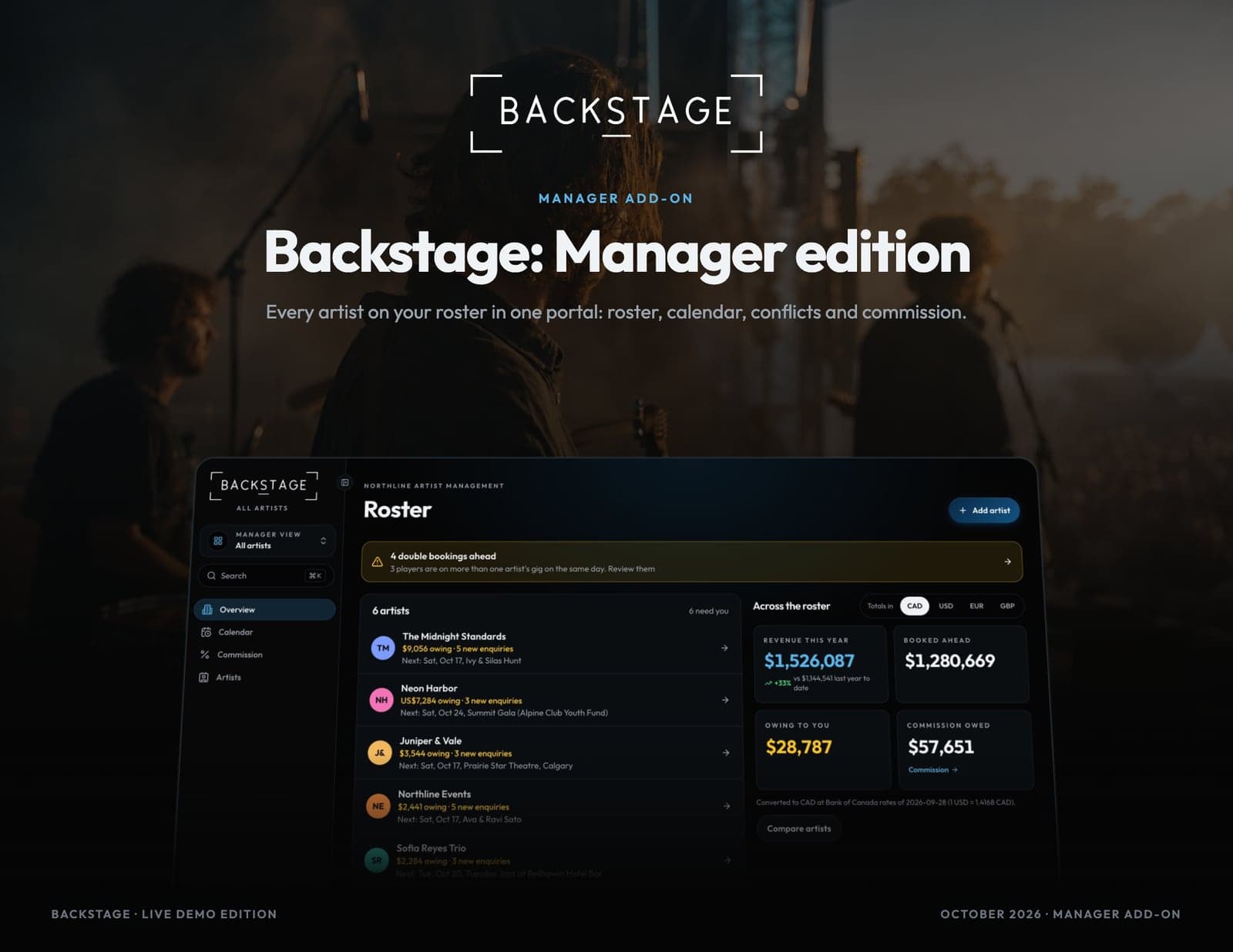
Manager add-on
Backstage: Manager edition
Every artist on your roster in one portal: roster, calendar, conflicts and commission.
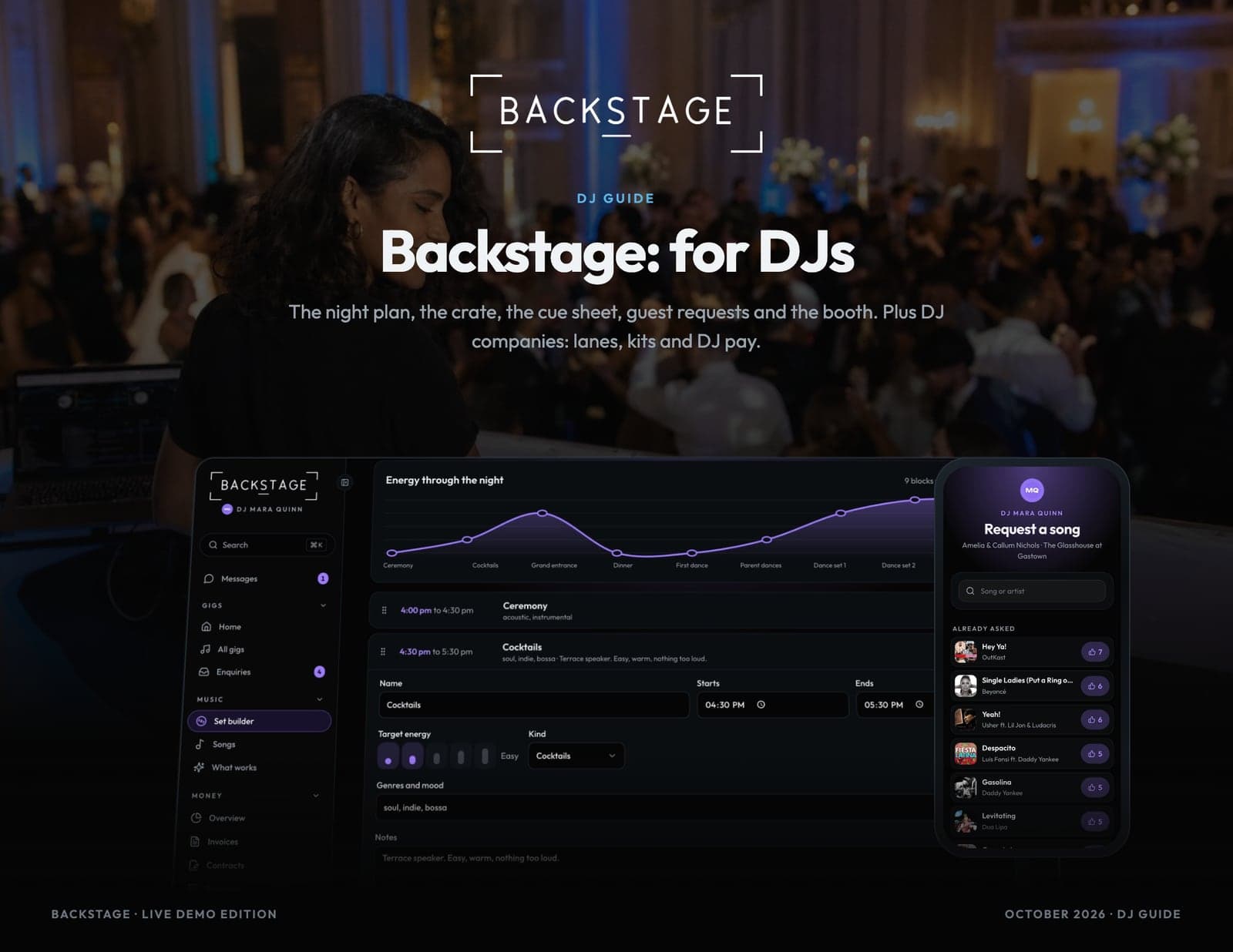
DJ guide
Backstage: for DJs
The night plan, the crate, the cue sheet, guest requests and the booth. Plus DJ companies: lanes, kits and DJ pay.
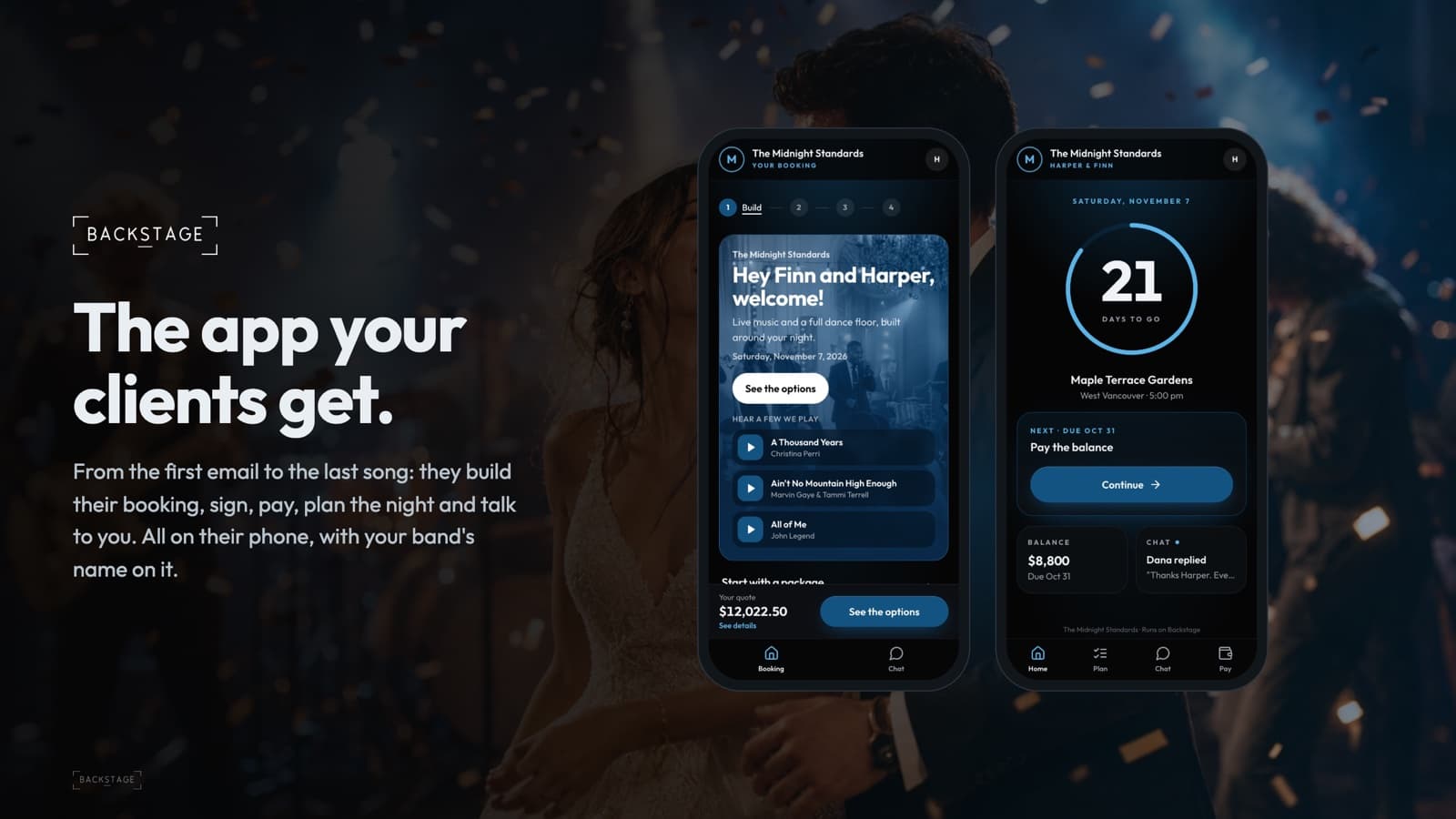
Client portal and chat
Backstage: the app your clients get
What your clients see, from the first email to the last song: packages, build your own, request to book, sign, pay, plan the night, chat with the band and tell a friend.
What’s inside
Every screen, chapter by chapter.
- 01
Quick guides
One page each. Band leaders get set up in ten minutes, players learn the five things they use, and you see what your clients see from the first email to the deposit.
- Set up your band in ten minutes
- The five things players use
- What your clients see
- Your roster in one portal
- 02
Getting started
Put the app on your phone, find your way around, then set the app up for how your band works: what you do, your lineups, your prices, travel, deposits and busy dates.
- Put the app on your home screen
- Turn on notifications
- Your gigs in your own calendar
- Signing in
- Find your way around
- 03
Booking clients
From the first message to a signed contract and a deposit. Enquiries from anywhere, a booking link in one tap, follow-ups, holds and the waitlist. You confirm every price before anything is signed.
- Enquiries
- Your enquiry form
- The enquiry form on your website
- Add an enquiry from anywhere
- Check the date, hold it, quote it
- 04
The client app
What your clients see. They build their booking, ask to book, sign and pay on their phone, then plan the night, pick songs and chat with you. No account, your band's look.
12 pages - 05
Gigs
Every gig in one list and one page: who's playing, the schedule, gig day, drive time and when to leave, travel pay and the recap after.
17 pages - 06
Setlist Studio and live
Your songs, your shows and the stage. Build a setlist in seconds, or go live with no setlist and call songs on the night. Charts and lyrics full screen, and every phone follows along.
17 pages - 07
Practice
Learn songs by playing along with the band. The chart follows the recording, your part is muted, and you can loop, slow down, change key, fix the chart and leave notes. Try it in the demo. On the beta, a band can upload a recording of its own song and get it split into six parts: that's in testing, switched on by Backstage on request.
- Practice: play along with the band
- Practice on your phone
- Capo, another key, and the song's key
- Fix a chord
- Grooves and parts
- 08
AI help
Buttons right where you work that read, sum up and draft the busywork: fill a gig from an email, scan a receipt, draft a reply, read a contract, ask a question. Everything is a draft you check, nothing is sent by itself, it only reads your own band's data, and you can switch it off.
- How AI help works
- Fill a gig from an email
- Draft a reply to an enquiry
- Ask Backstage
- Read their contract
- 09
Your band
The people. Chat and groups, members and what they can see, availability, time off, rehearsals and who's using the app.
12 pages - 10
Money
Invoices, deposits, what's owing and what's still to collect, player pay, insights and tax. Canada and the US, in your currency.
13 pages - 11
Touring
Tours, day sheets, travel and hotels, promoter deals, advancing, merch and per diems. Switch them on in Settings and every show gets the tools a touring act needs.
15 pages - 12
Manager edition
Run several artists from one portal. Each artist keeps its own band, gigs and books; you get the roster at a glance, one calendar, double-booking alerts and commission.
- Switch between artists
- The roster dashboard
- The roster calendar
- Conflicts and double bookings
- Commission
- 13
For DJs
For solo DJs, DJ companies and bands that play DJ sets. Plan the night with the client, build the crate, run the cue sheet and guest requests from the booth, export to your DJ software, and run a team of DJs with lanes, kits and DJ pay.
- Set up as a DJ
- Plan the night with the client
- Key moments and the cue sheet
- Names on the mic
- Build the crate
- 14
Settings reference
Every setting, what it does and what it starts as. Settings live in one place, grouped the way you'd look for them.
12 pages