DJs · Desktop or iPad
Plan the night with the client
Lay out the evening as blocks, from the ceremony to the last dance, each with times and a target energy. The client sees the same plan in their app and can leave a note on any part.
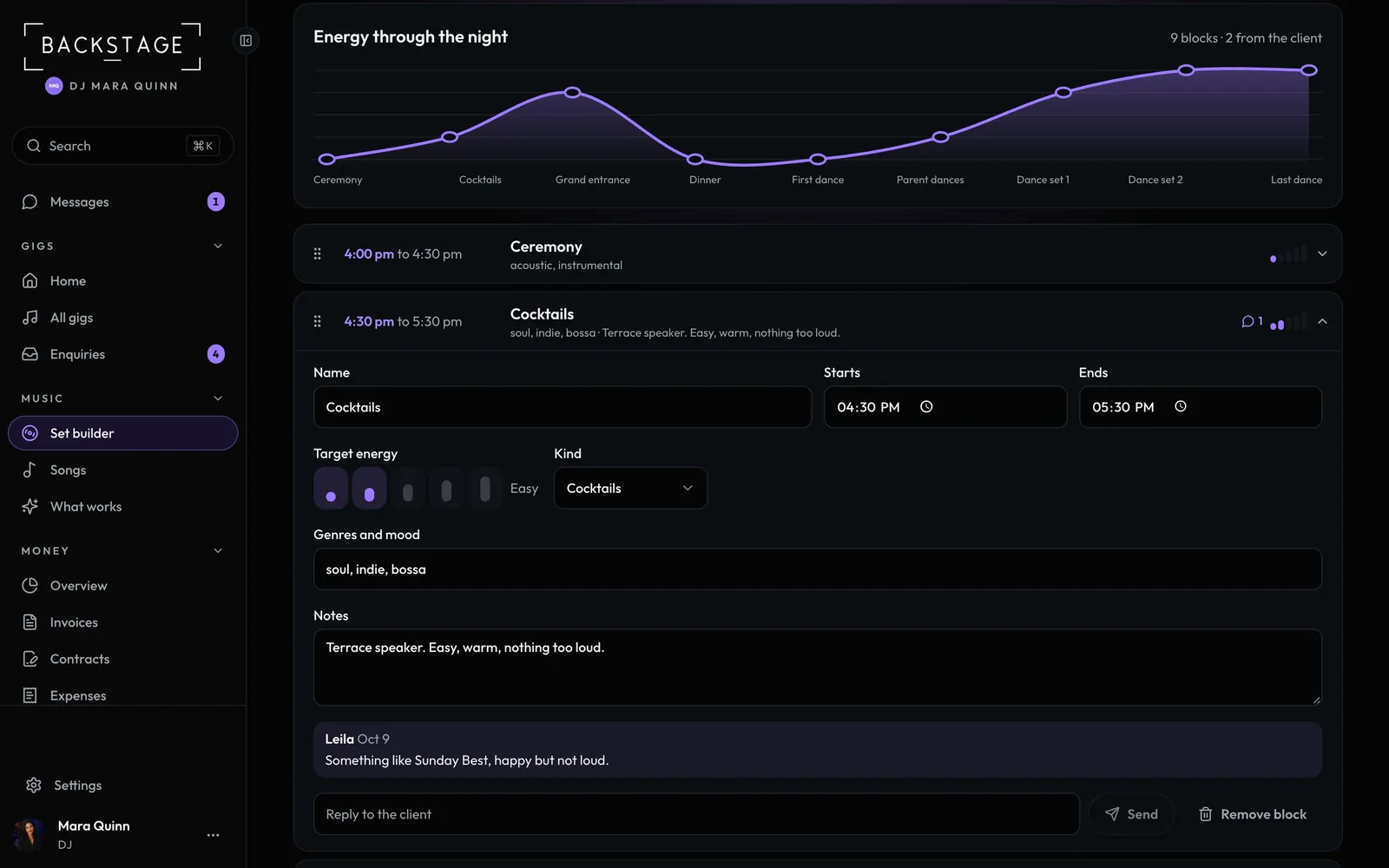
Swipe sideways to see the whole screen. Tap a number for its tip.
- Energy curveEach block's target energy, 1 to 5.
- Client notesTheir note on a block, and your reply.
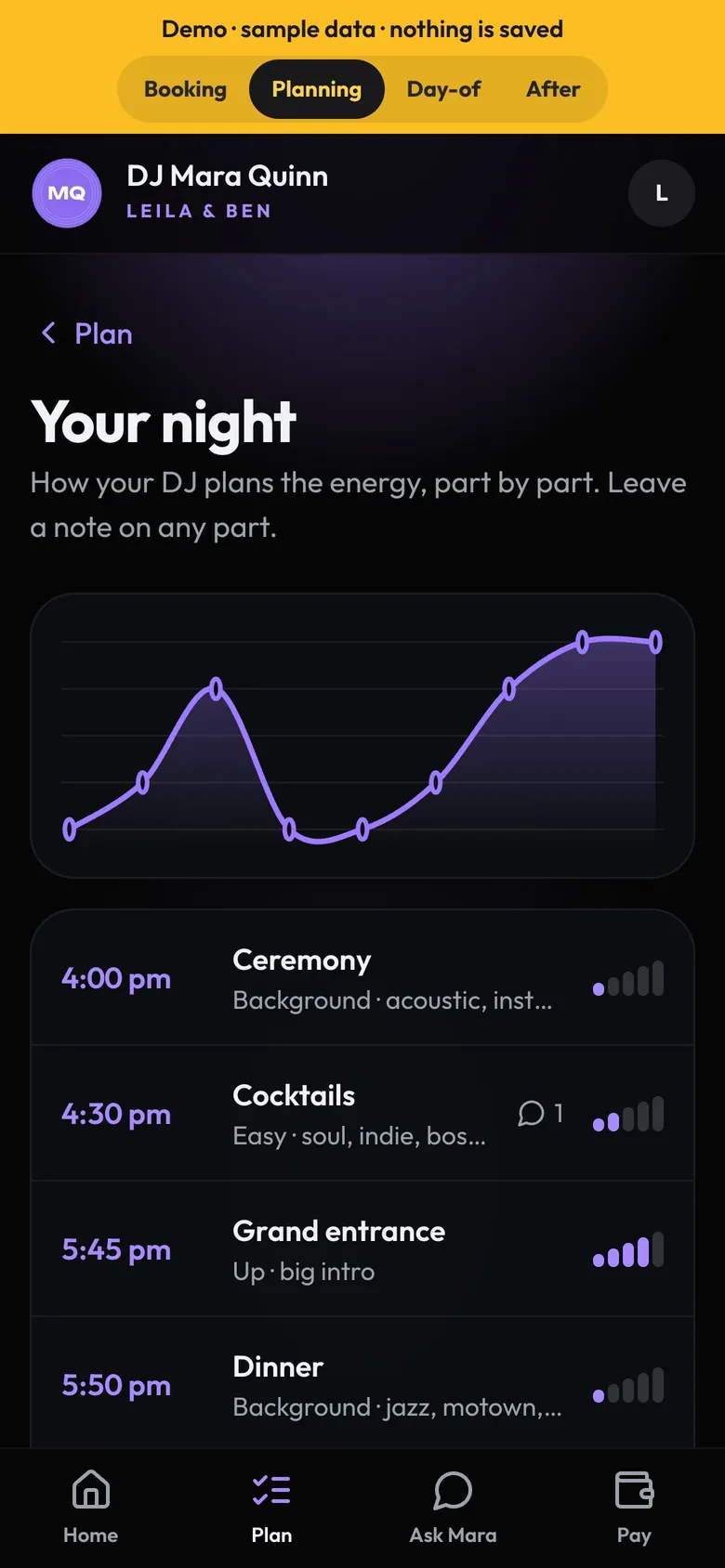
- Your nightIn the client's Plan tab.
- Leave a noteTap a part to comment.
How to
- Open Music → Set builder and pick the gig. Open Night plan (on a phone it may be under More).
- The blocks start from the gig's timeline. Add a block, or tap one to set its times, energy and genres. In the Set builder, tap a block's name for the same.
- Drag blocks to reorder. From the timeline starts the plan again.
- Client notes show with a count on the block. Reply under it and they see it.
Tip
Tip
The Set builder list shows your next night with its energy curve, and every other night in one line: songs, requests, or No plan yet.