Chapter 5
Setlist Studio and live
Your songs, your shows and the stage. Build a setlist in seconds, or go live with no setlist and call songs on the night. Charts and lyrics full screen, and every phone follows along.
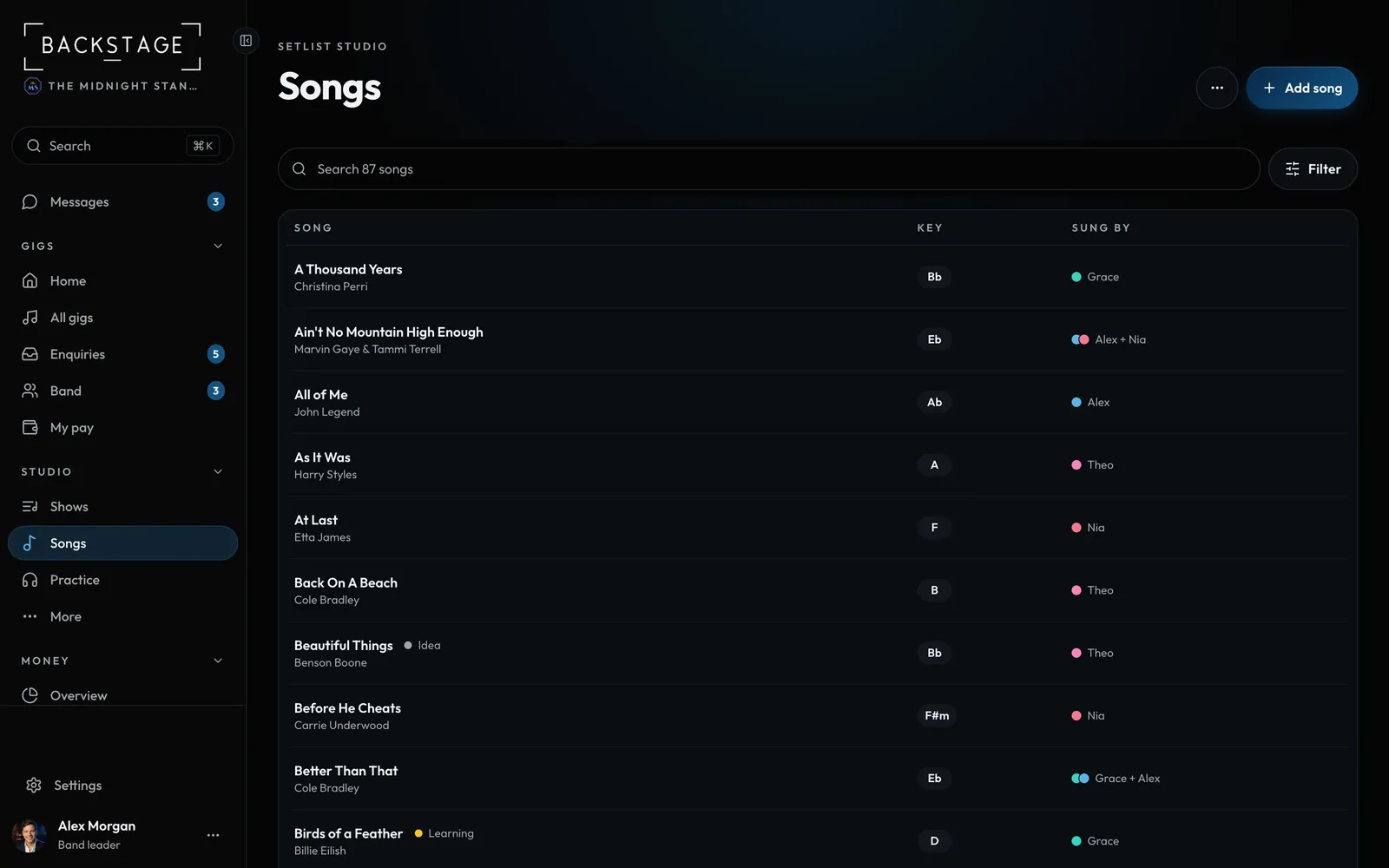 01 · EveryoneThe song libraryEvery song the band plays: find one fast and see its key and who sings it. Tap a song for the rest: tempo, energy, length, keys by singer and charts.Read
 02 · Everyone · Phone or iPadGo live with no setlistFor nights you call songs as you go. One tap and you're live: pick what's next from your song library, hit Go, and every phone in the band follows. Save it as a played setlist after.Read
 03 · Everyone · PhoneUp next and who singsReorder what's coming on the fly and pick who sings each song tonight. The key follows the singer, and everyone sees the change within a couple of seconds.Read
 04 · EveryoneOne song, many versionsTwo singers, two keys? Keep one song with a key per singer. The library also stops you adding the same song twice.Read
 05 · Band leadersStart a new showPick how many sets and how long, link it to the gig, and you're ready to build. The default is three sets of 45 minutes.Read
 06 · Band leadersThe show builderIt opens on your sets, one clean list each. Add songs from the library, drag to reorder, and anything that needs fixing shows on the song itself with the fix.Read
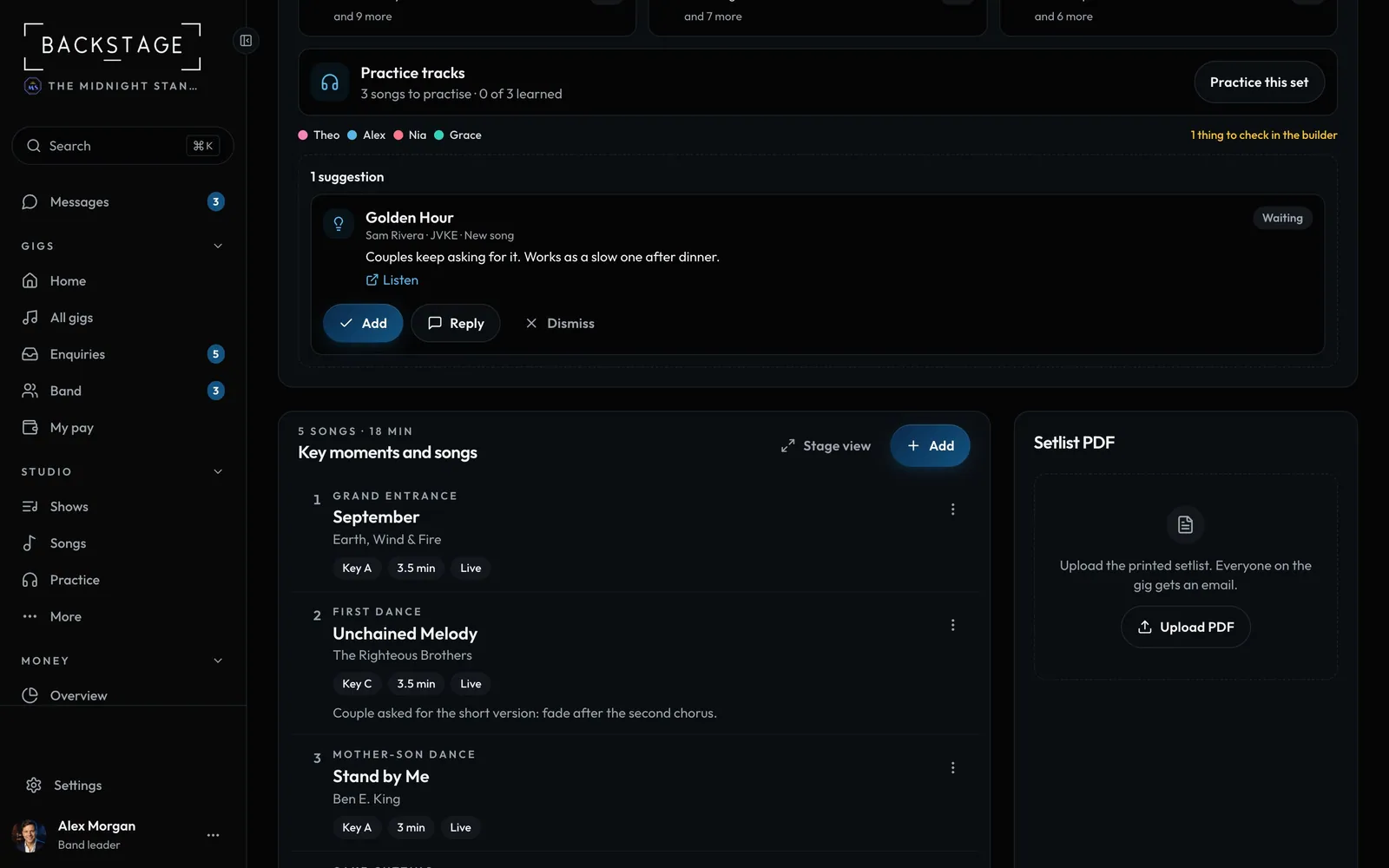 07 · Players and setlist editorsSuggest a songPlayers see the setlist but don't change it. Got an idea? Send a suggestion. Whoever edits the setlist adds it, replies or passes, and you hear back.Read
 08 · Band leadersAuto-build the whole showIt picks gig-ready songs in a classic energy arc, flows keys and tempos, and rotates singers. Don't like it? Try another.Read
 09 · Everyone · iPadStage modeBig, glanceable running order for the gig itself. When one person leads, every phone and iPad follows along live.Read
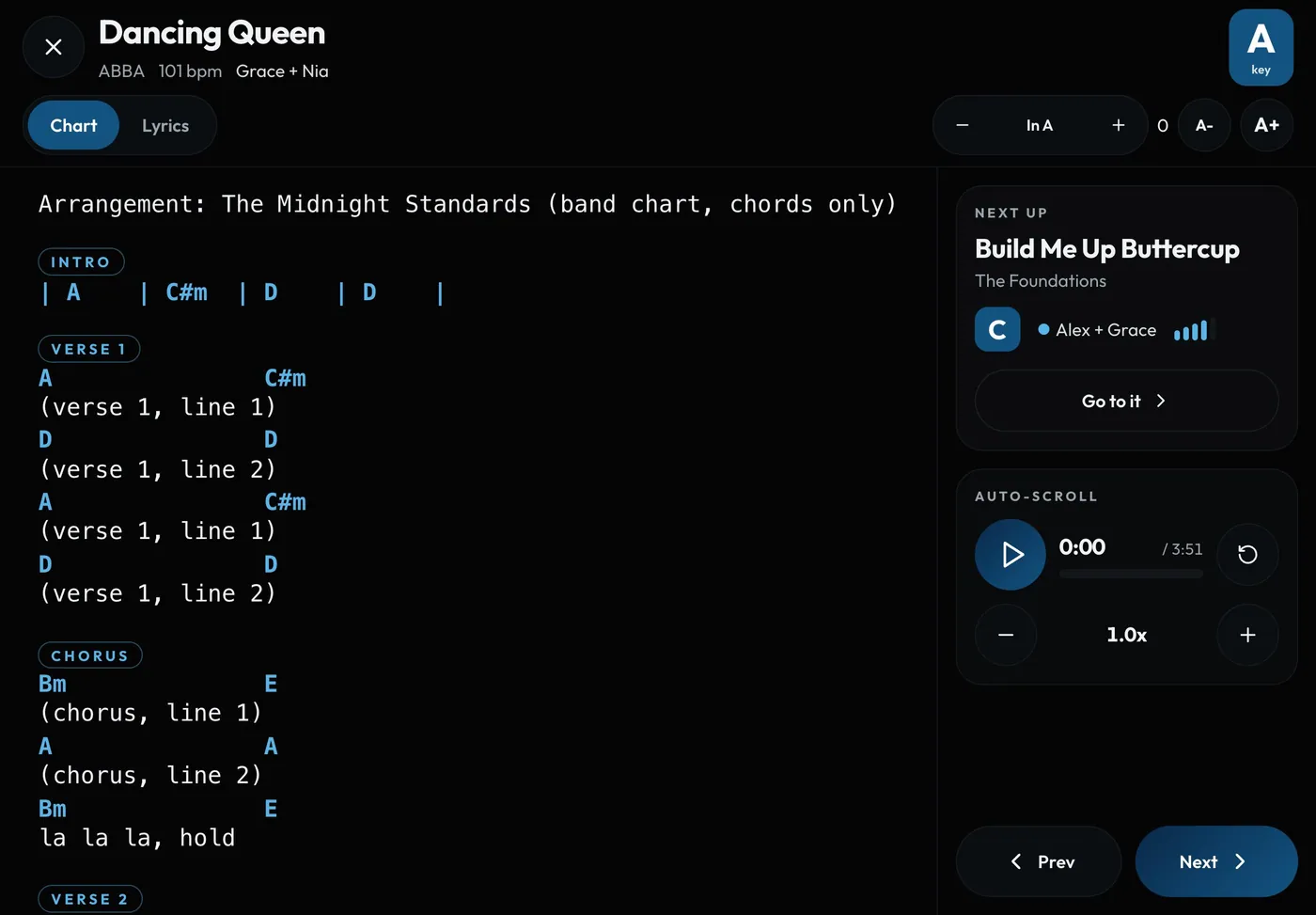 10 · Everyone · iPadCharts and lyrics on stageOpen any song's chart or lyrics full screen. It scrolls itself at the song's pace, and transposes on the spot.Read
 11 · Everyone · iPadCue and reorder on stageThe night never goes to plan. Line up a different song or shuffle the order, and every screen updates.Read
 12 · Band leaders · SettingsYour request QROne QR code for every show. Print it once on a banner, a poster or table cards. Guests who scan it get tonight's request page while you're on, and your page on other days.Read
 13 · Band leaders · iPadGuest requests on the nightGuests scan your request QR and ask for songs. On an iPad held sideways or a computer, the requests sit beside the stage as they come in, and one tap lines a song up as Next up.Read
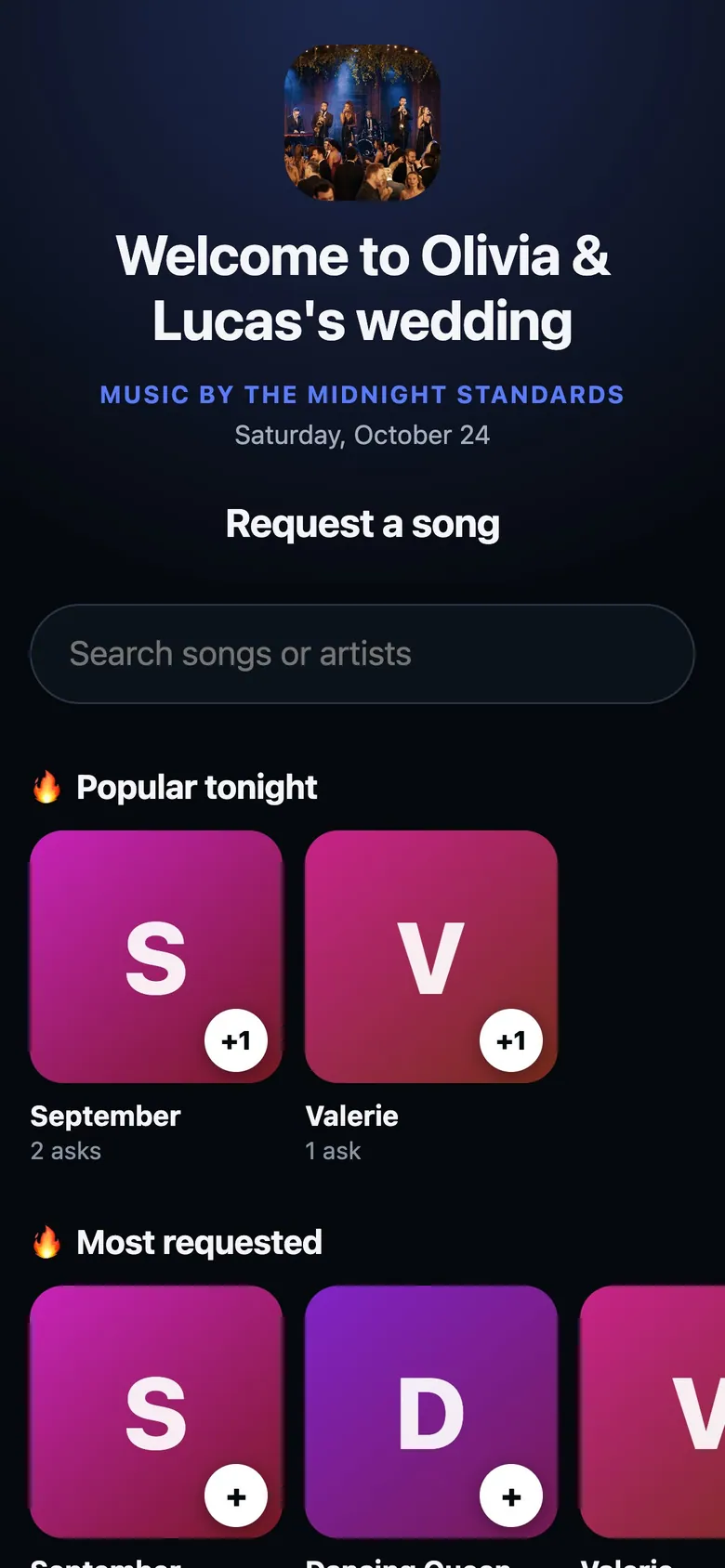 14 · Guests · PhoneWhat guests seeGuests scan your QR code and get a page made for tonight: a welcome, your songs to browse and search, and a list to send. No app, no sign-in, and it works on bad venue signal.Read
 15 · Everyone · iPad or phoneFull-screen chartsShow the original chart, PDF or photo, full screen with nothing else on it. Handwritten Nashville charts look exactly as written, with the song's key in a badge. The screen stays awake on stage.Read
 16 · EveryoneChartsAnyone in the band can add charts and lyrics, so every song is ready for the stage. Upload in bulk, turn photos into text charts, and save them for offline.Read
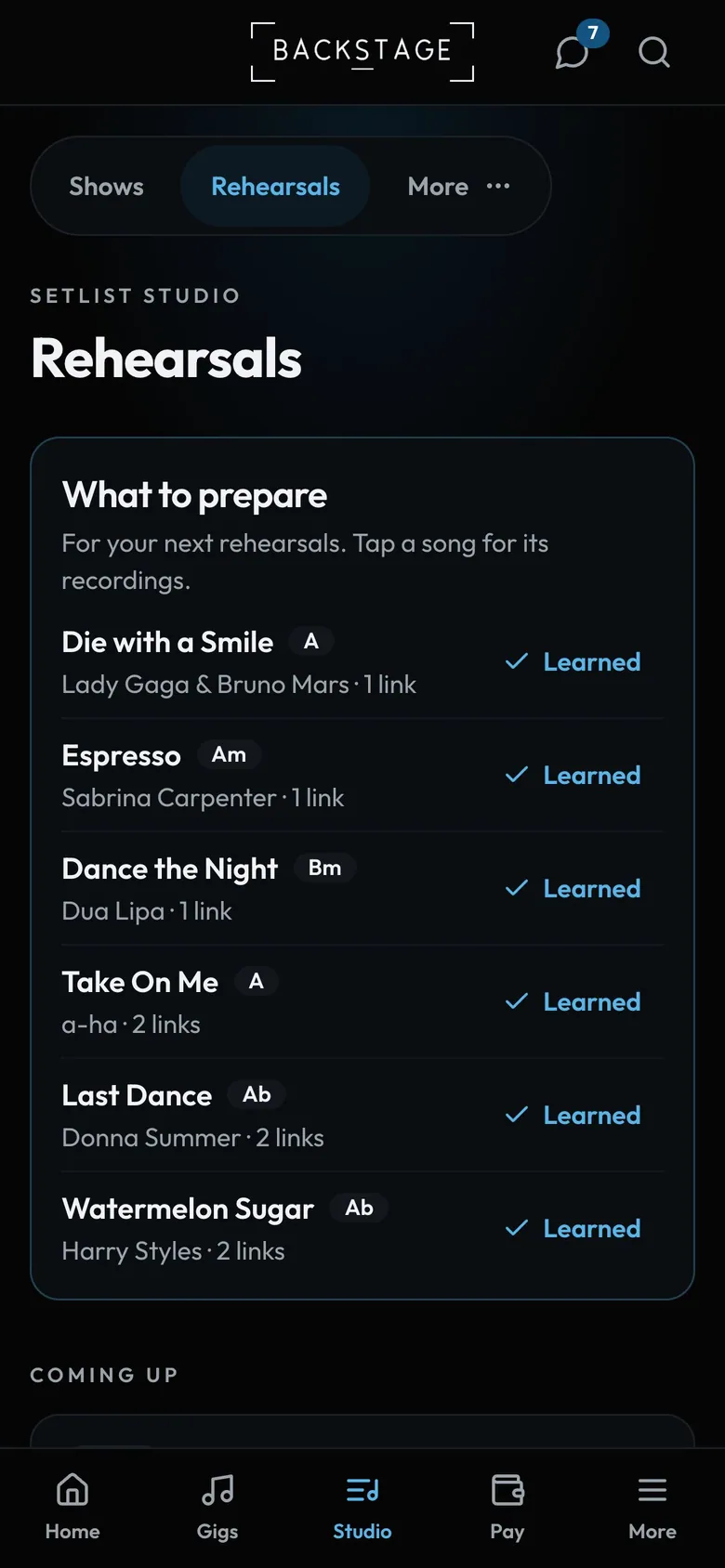 17 · Members · PhoneLearning new songsYour personal to-learn list for upcoming rehearsals and gigs, with reference recordings. Tick songs off as you go.Read