Clients · PhoneFor clients and guests
Welcome and packages
The first thing your client sees: a hello with their names and a line from you, then their event, then your packages to start from.
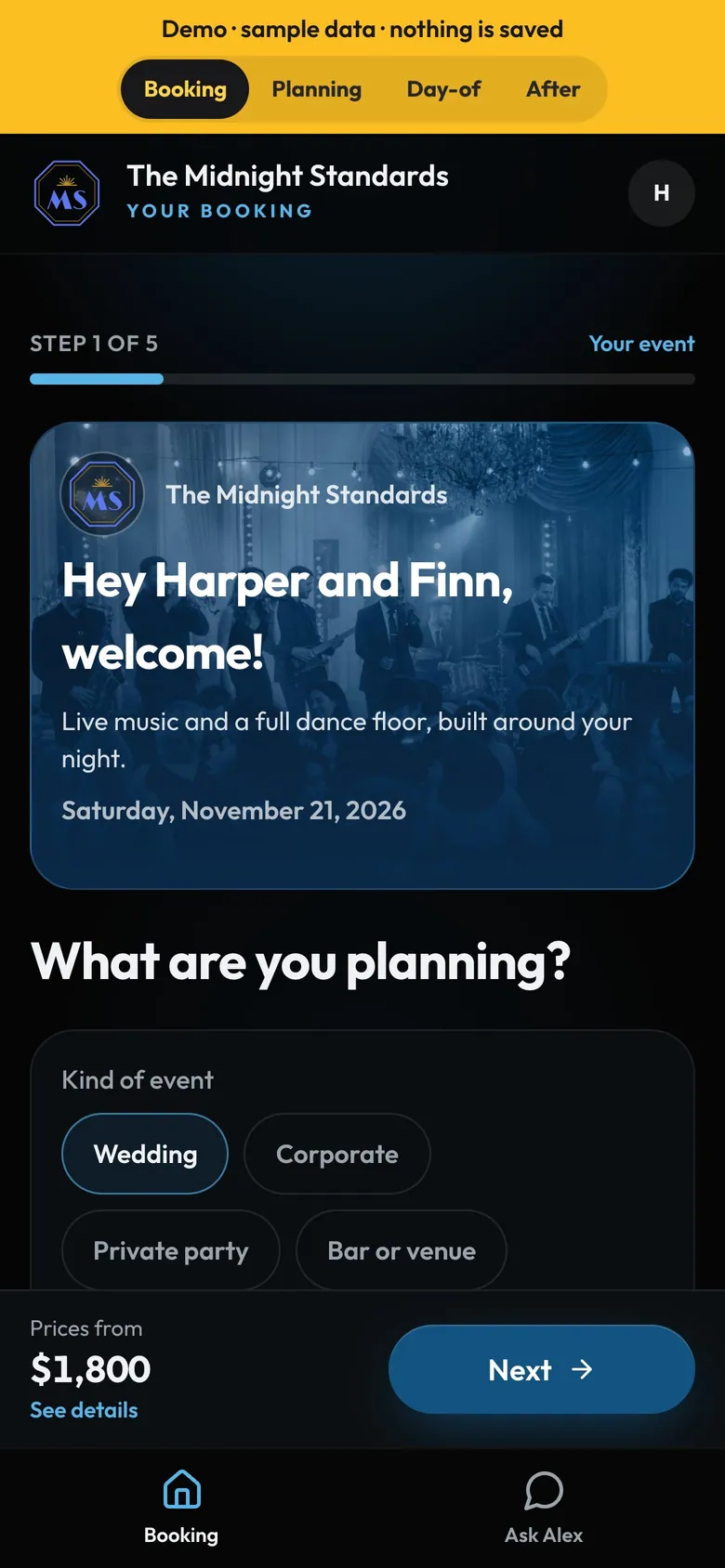
- Step by stepTheir event, music, extras, details, review.
- Their namesTaken from the booking's contacts.
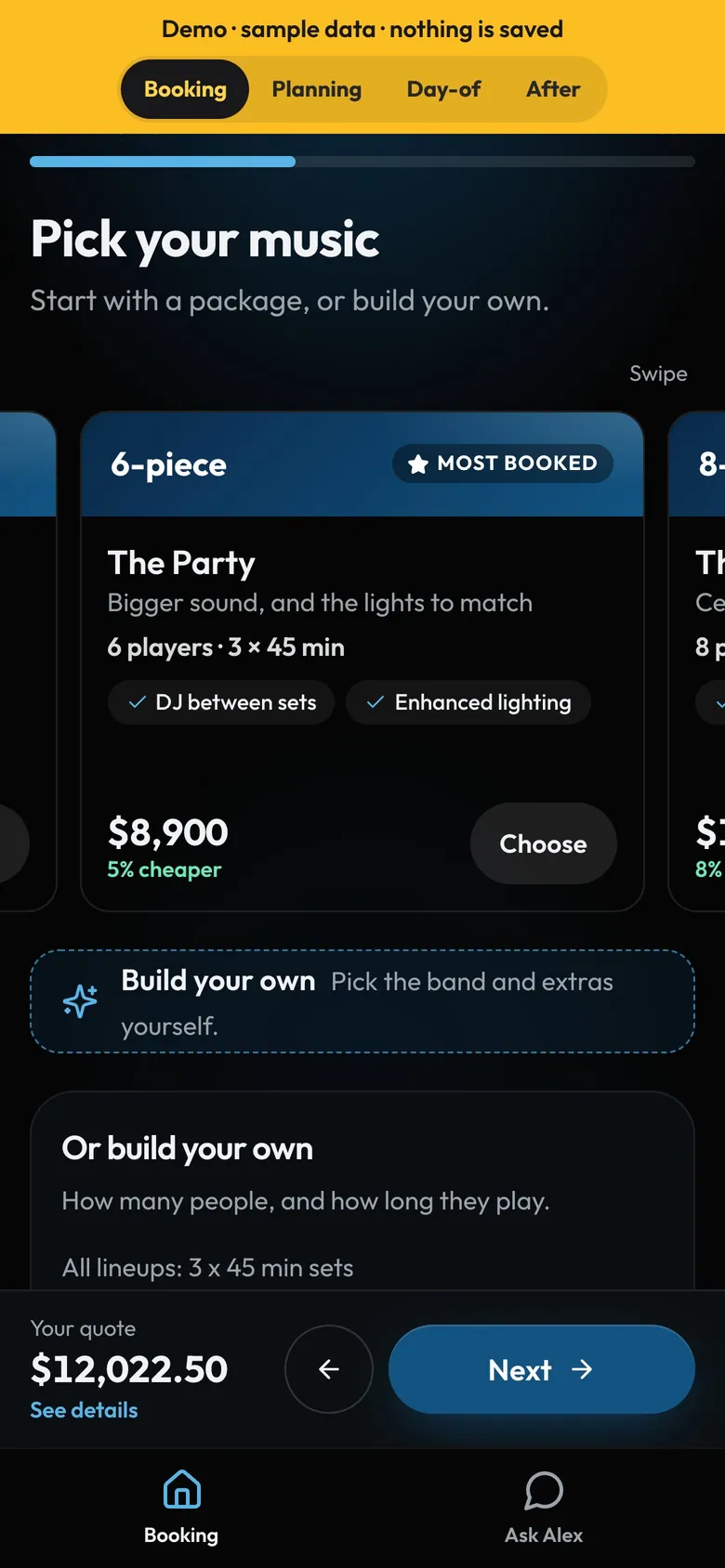
- SwipeSwipe through on a phone. Side by side on iPad and computers.
- Most bookedThe badge you set on one package.
How to
- Your client opens their link from your email or message. No account needed.
- They see your welcome line and the date, then What are you planning?: the kind of event, guests and the venue, picked from an address search.
- Next takes them to Pick your music: your packages, or build your own.
- Picking a package fills in the lineup and add-ons. They can still change anything.
Tip
Tip
If they change a package, the page says so and prices it item by item. Back to the package (by its name) undoes it.