Everyone
The song library
Every song the band plays: find one fast and see its key and who sings it. Tap a song for the rest: tempo, energy, length, keys by singer and charts.
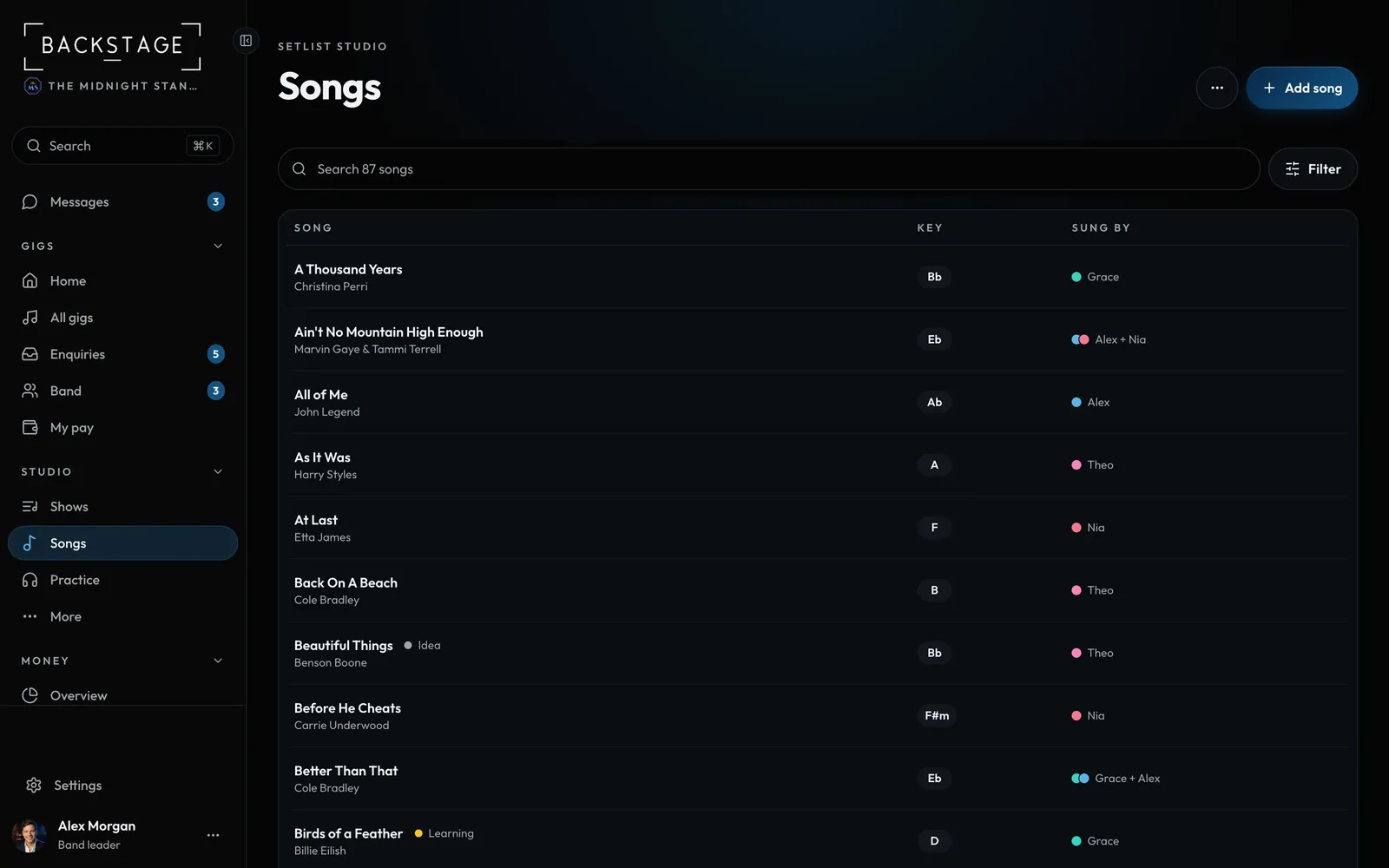
Swipe sideways to see the whole screen. Tap a number for its tip.
- Add songOr paste a list from the ... menu.
- FilterReady, My learning, singers, energy, tempo, key and sort.
- SearchTitle, artist, key, tag or singer.
- Key and singerWhat you need on stage, nothing else.
How to
- Open Setlist Studio and choose Songs.
- Search, or tap Filter to narrow it down. What's on shows in one line under the search, with Clear.
- Tap a song to see and edit its key, tempo, energy, singers and chart.
- Use Add song, or the ... menu to paste from a spreadsheet or open Insights.
Tip
Tip
On stage and someone shouts a request? Filter by Ready plus the singer, and you'll see only songs you can play right now.