Band leaders
Email log and email viewer
Every email the app has sent and anything that bounced. Open any of them to see exactly what landed in the inbox, or browse a gallery of every email the app can send.
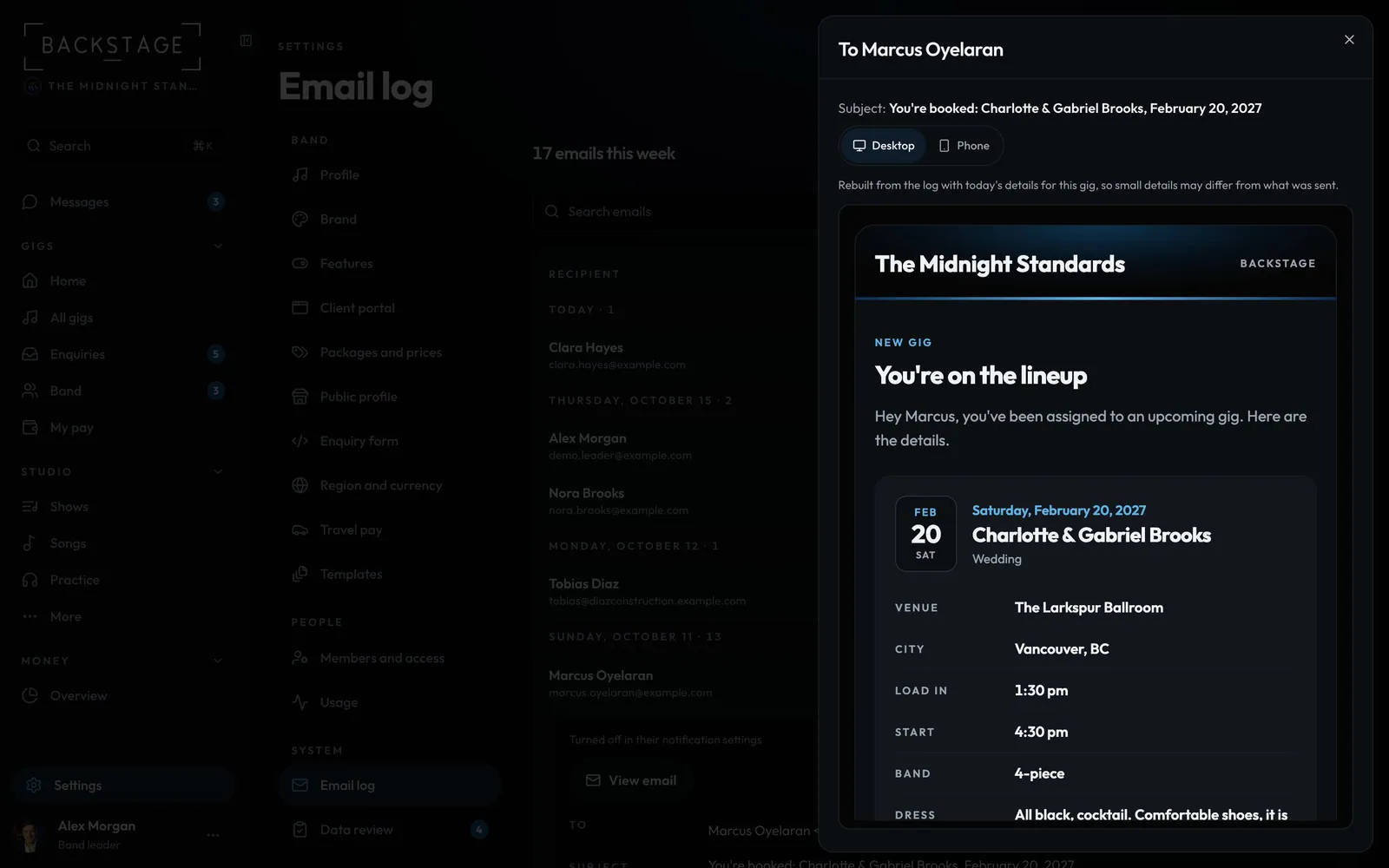
Swipe sideways to see the whole screen. Tap a number for its tip.
- Desktop or PhoneSee it the way they read it.
- The real emailExactly what was sent, with real names.

Swipe sideways to see the whole screen. Tap a number for its tip.
- Back to the logThe gallery of every email the app can send; Sent log goes back.
- Open onePreview it as desktop or phone.
How to
- Open Settings → Email log.
- The top line says how many went out this week and any that failed (Show the failed). See the numbers has the delivery rate.
- Search by recipient or subject, or use Filter for failed ones or a type of email, like Payment receipt or Signed contract. A row only shows a status when it wasn't sent.
- Click a row, then View email to see it (switch Desktop / Phone).
- Open ... and click Every email the app sends to browse them all. Refresh is there too.