Players and setlist editorsFor everyone
Suggest a song
Players see the setlist but don't change it. Got an idea? Send a suggestion. Whoever edits the setlist adds it, replies or passes, and you hear back.
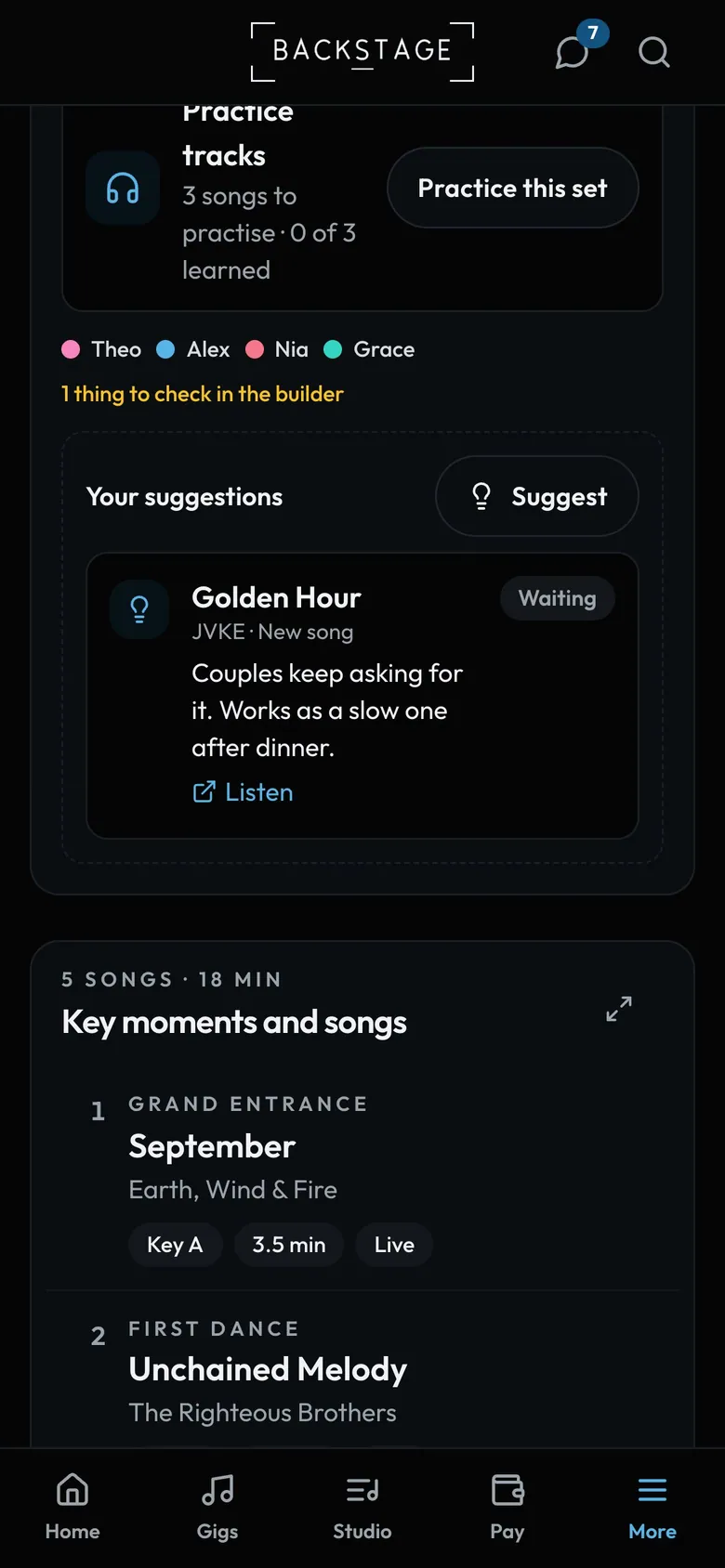
- SuggestA song, or a change like a swap.
- Your suggestionWith your note and a link to listen.
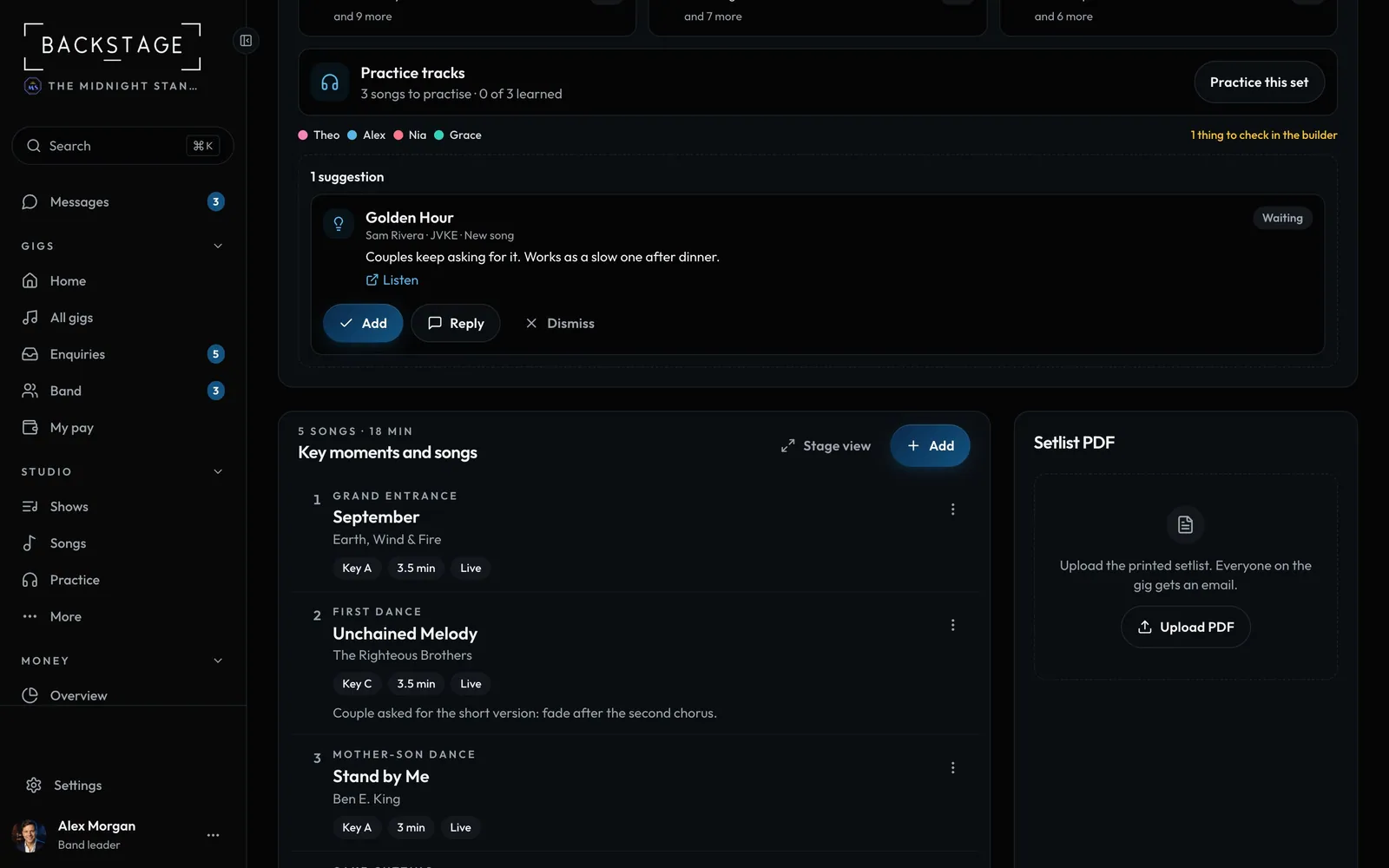
Swipe sideways to see the whole screen. Tap a number for its tip.
- From a playerWho sent it, the song and why.
- AddPuts it on the setlist. New songs go in your song list.
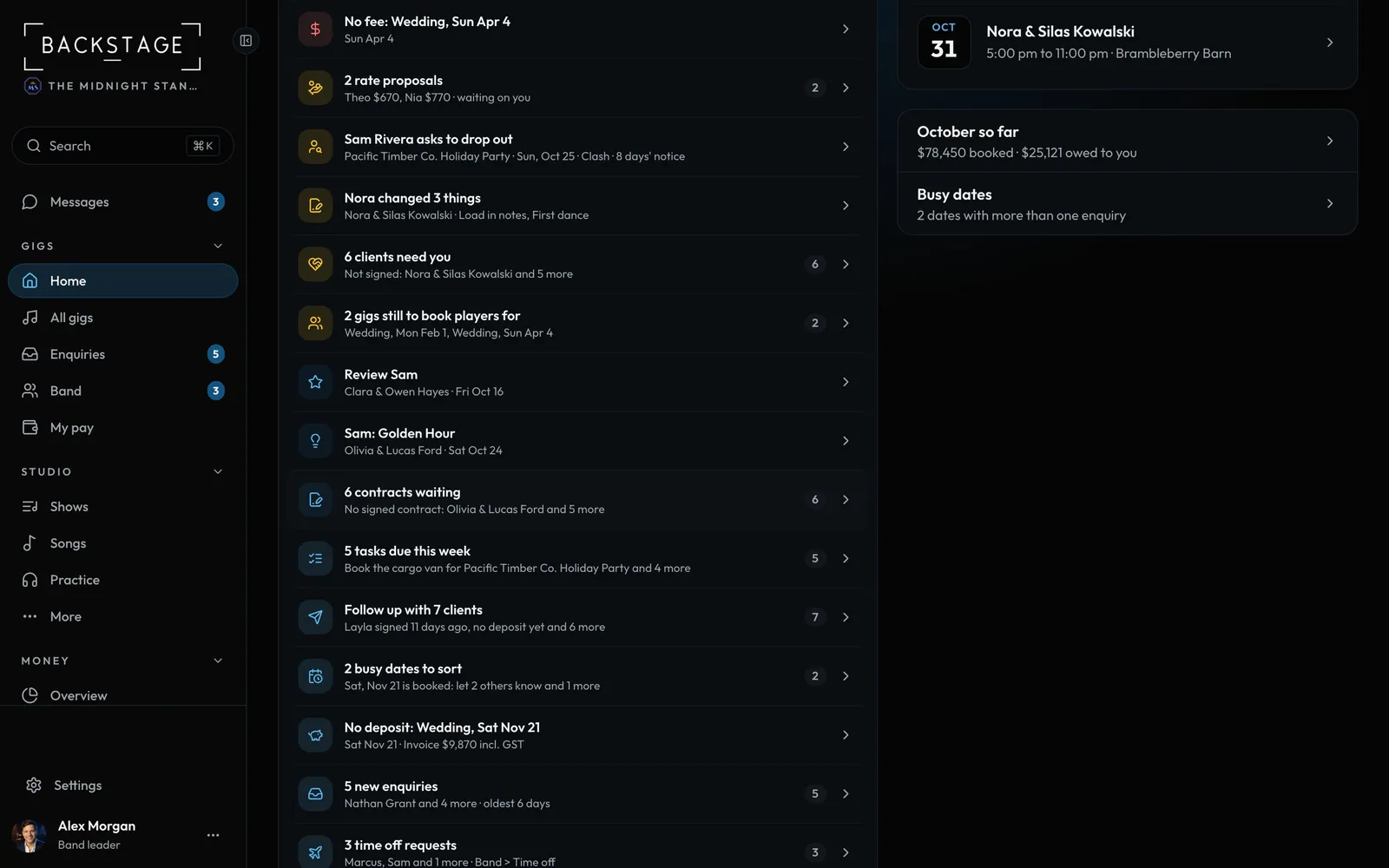
Swipe sideways to see the whole screen. Tap a number for its tip.
- Needs youSuggestions rank with your gigs.
- One listEverything waiting on you, most urgent first.
How to
- Players: open a gig's Setlist tab, or Setlists, and tap Suggest.
- Pick A song (from the list, or a new one with a link) or A change, add a note and tap Send suggestion.
- Leaders and setlist editors: answer from Needs you or the gig's setlist with Add, Reply or Dismiss.
- The player sees the answer on their home screen until they tap Got it.
Tip
Tip
Setlists are view only for players by default. To let someone edit them, turn on Setlists for them in Members.