DJ companies · Owner
Book or offer a gig to a DJ
Pick a DJ for a gig and the app ranks who's free by fit, reviews and the client's request. Book them straight on, or offer it and they say yes on their phone. Nobody can be double-booked.
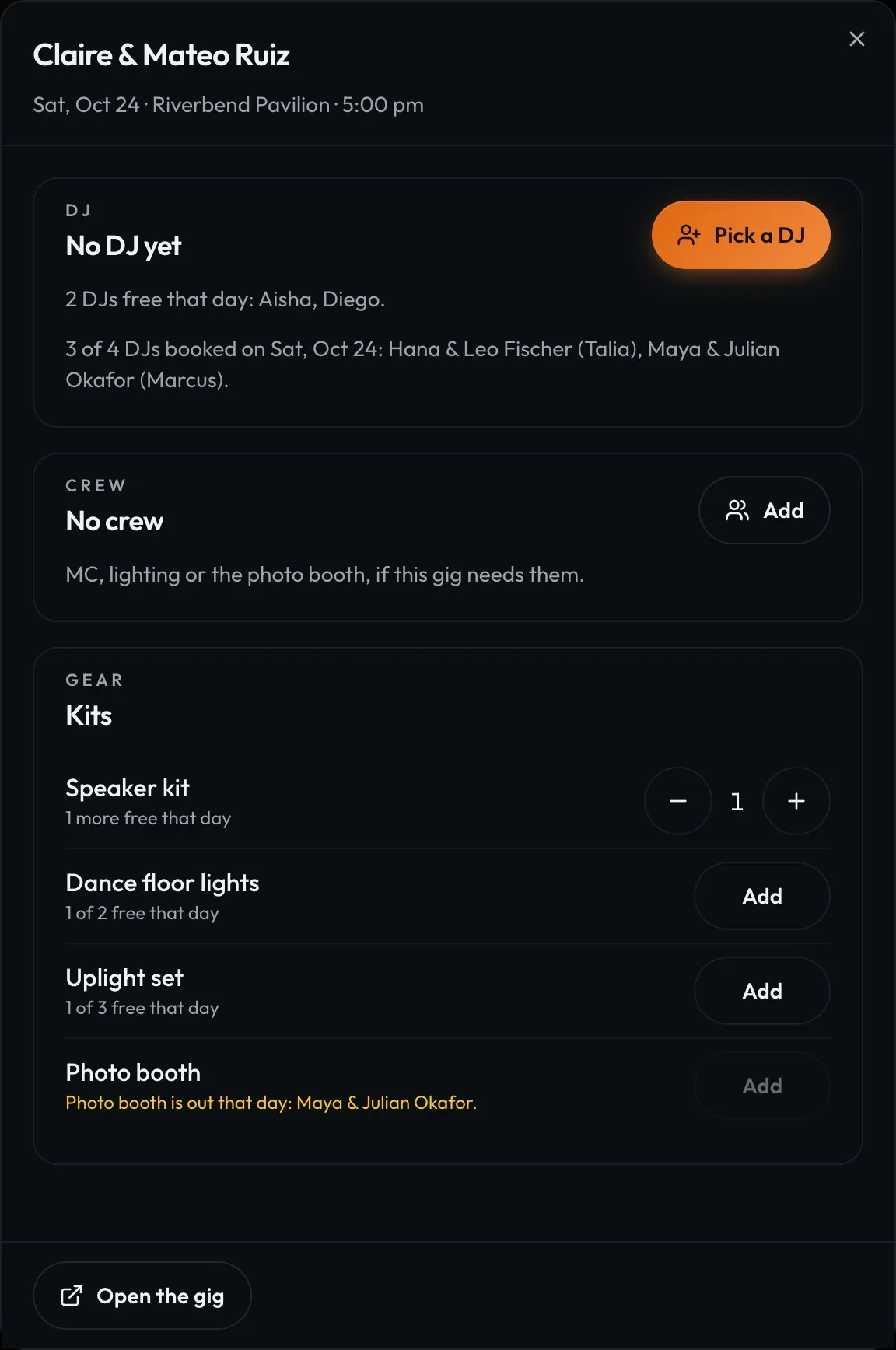
Swipe sideways to see the whole screen. Tap a number for its tip.
- Pick a DJWho's free that day, by name.
- KitsThe gear going out with this gig.

Swipe sideways to see the whole screen. Tap a number for its tip.
- Free that dayRanked by fit, reviews and rebooks.
- OfferThey say yes or no on their phone.
How to
- Open DJs and tap a gig in Needs a DJ (or Needs you on Home).
- Tap Pick a DJ. Free DJs come first, with their styles and reviews.
- Tap Book to put them on, or Offer to ask. Tick two or more for Offer in turn: if one says no or doesn't answer in a day, the next is asked.
- To change DJs, tap Change. The new DJ gets the music plan, moments, cue sheet, crate and requests.
Tip
Tip
If the client asked for a DJ, it shows at the top of the list with a star.